Hob guide
Placeholder text: this guide hasn't been written yet. What you see below is filler, not the real guide.
Quick start
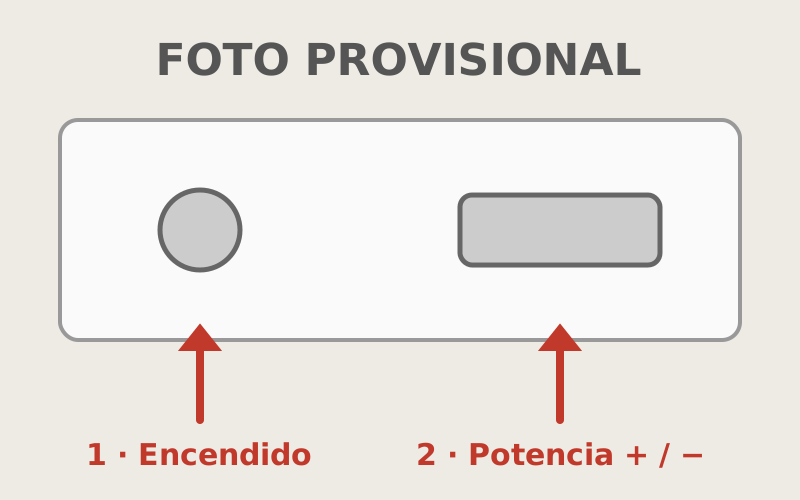
- [Placeholder] Hold your finger on the power button (1) for a second, until the numbers light up.
- [Placeholder] Touch the ring you want and raise the heat with + (2). From 1 to 9: 9 is for boiling water.
- [Placeholder] To turn it off, lower the heat to 0. While you can see an “H”, that ring is still hot.
More options
[Placeholder] Lock
[Placeholder] The key button locks the controls, so nobody turns it on by accident. To unlock it, hold your finger on the key for a few seconds.
[Placeholder] Timer
[Placeholder] With a ring selected, touch the clock and set the minutes with + and −. When the time is up, the ring turns itself off and beeps.
[Placeholder] Which pans work
[Placeholder] All the pans in the kitchen work. If you bring your own, they need a flat bottom.
If something goes wrong
[Placeholder] It doesn’t respond to your fingers.
[Placeholder] Dry the surface and your fingers: it doesn’t respond with water or anything on the controls. If a key symbol is lit, it is locked (see “Lock”).
[Placeholder] It beeps and turns itself off.
[Placeholder] Something is resting on the controls, or a pan has slid off the ring. Move it and turn it on again.
Still not working? Write to us through the link we sent you on WhatsApp.
Did this guide help?