Air conditioning guide
Placeholder text: this guide hasn't been written yet. What you see below is filler, not the real guide.
Quick start
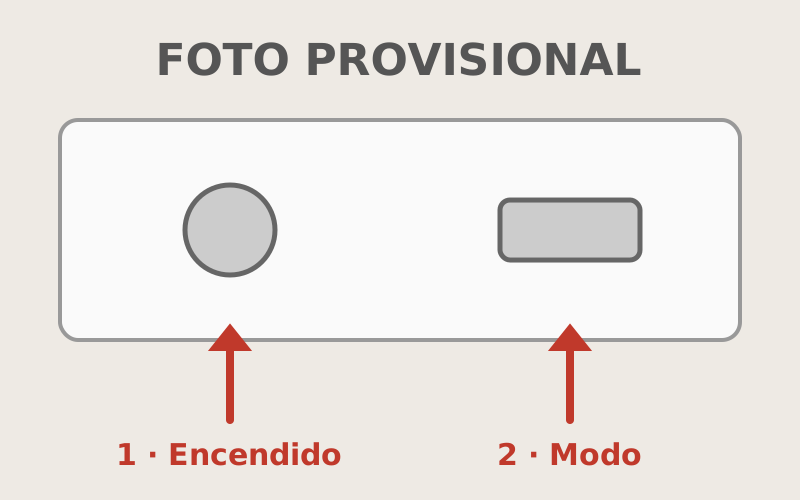
- [Placeholder] Point the remote at the unit and press the power button (1).
- [Placeholder] Press the mode button (2) until the snowflake shows, and set the temperature with the arrows. 24 or 25 degrees feels cool.
- [Placeholder] Close doors and windows so it cools down faster.
More options
[Placeholder] Heating
[Placeholder] In autumn it heats too: press the mode button until the sun shows. It warms a room faster than the radiators.
[Placeholder] Sleeping
[Placeholder] The moon button makes it quieter and raises the temperature slowly through the night.
[Placeholder] Where the air goes
[Placeholder] The arrows button moves the flaps. Press it again to stop them where you want.
If something goes wrong
[Placeholder] The unit doesn’t respond to the remote.
[Placeholder] Change the remote’s batteries: there are spares in the drawer by the front door. If it still doesn’t respond, turn it off and on with the button hidden under the unit’s cover.
[Placeholder] Water is dripping from the unit.
[Placeholder] Turn it off and let us know. In the meantime, put a towel underneath.
Still not working? Write to us through the link we sent you on WhatsApp.
Did this guide help?